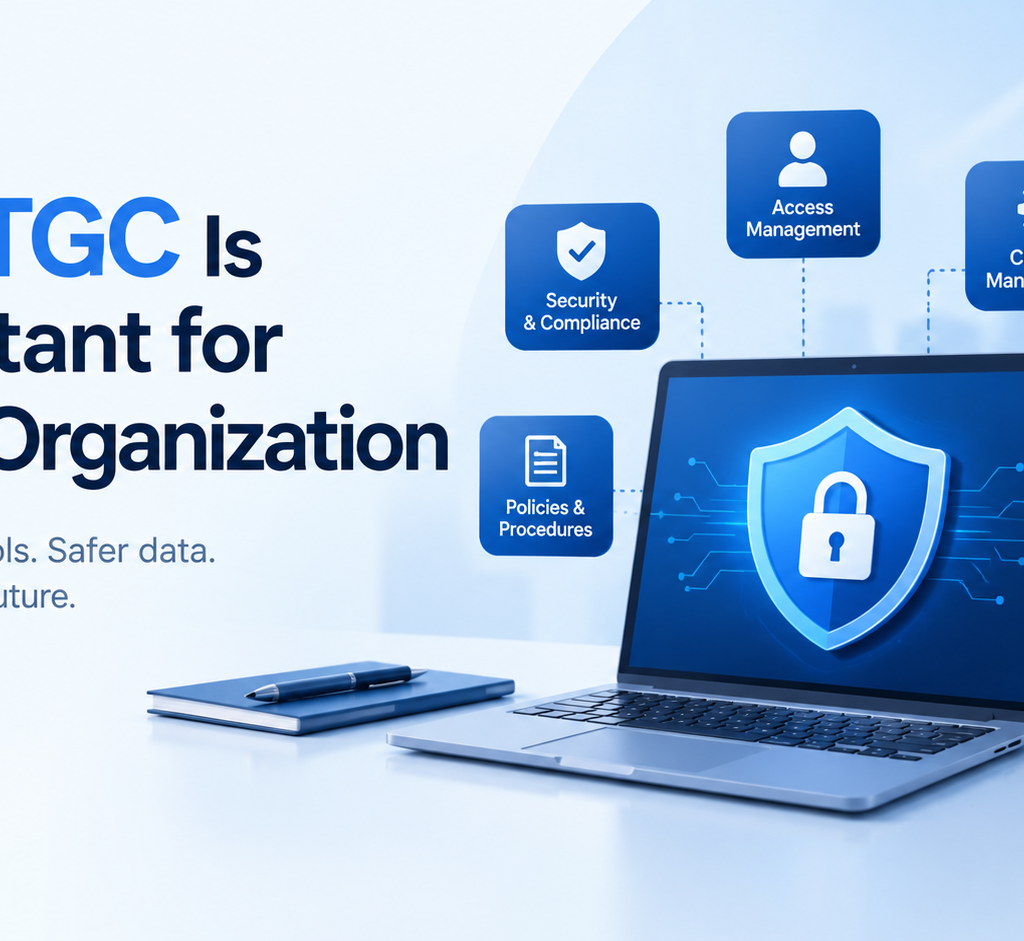
In today’s digital business environment, almost every organization depends on technology to perform daily operations. Companies use applications to manage customer information, financial transactions, employee records, payments, communication, and business processes. While technology makes business faster and more efficient, it also creates risks related to security, access, data accuracy, and system reliability. This is where Information Technology General Controls (ITGC) become important. ITGC refers to the controls, policies, and procedures used to manage and protect an organization’s IT environment. These controls help ensure that technology systems operate properly, information remains secure, and important business processes are supported by reliable IT systems. ITGC is not limited to large multinational companies. Organizations of different sizes and industries can benefit from having appropriate IT controls in place. What Is ITGC? Information Technology General Controls, commonly called ITGC, are controls that support the overall IT environment of an organization. Unlike application-specific controls that focus on individual transactions or business applications, ITGC focuses on the broader technology environment. These controls help create a secure and controlled foundation for applications and business processes. Common areas covered under ITGC include: Access management Change management IT operations Backup and recovery User account management Incident management System development and implementation IT policies and procedures Security monitoring For example, when an employee joins an organization, there should be a process for creating the required user account and providing appropriate access. When the employee leaves, access should be removed or disabled. These activities are examples of access management controls. Why Is ITGC Important? The importance of ITGC has increased as businesses have become more dependent on technology. A weakness in an IT environment can affect data, applications, business operations, and even financial reporting. Here are some important reasons why organizations need ITGC. 1. Protects Sensitive Information Organizations handle large amounts of sensitive information every day. This may include customer information, employee data, financial records, business documents, passwords, and confidential company information. Without appropriate controls, unauthorized individuals may gain access to sensitive systems or information. ITGC helps organizations establish processes for controlling who can access systems and what level of access they should receive. For example, an employee working in HR may need access to employee-related systems but may not need access to financial applications. Appropriate access controls help reduce unnecessary access. 2. Controls User Access Access management is one of the major areas of ITGC. Organizations need to ensure that users receive access based on their job responsibilities. Access should also be reviewed regularly to identify unnecessary or inappropriate permissions. Important access management activities can include: User creation User modification User termination Password management Privileged access management Periodic access reviews Segregation of duties Consider an employee who changes departments. If their previous system access is not removed, they may continue to have permissions that are no longer required. Proper ITGC processes help organizations manage these situations. 3. Reduces Technology-Related Risks Every IT environment has risks. Systems can experience unauthorized changes, incorrect configurations, security incidents, application failures, or data loss. ITGC provides a structured approach to identifying and controlling these risks. For example, change management controls can require changes to be requested, reviewed, tested, approved, and documented before being moved into production. This reduces the possibility of an untested change causing problems in an important business application. 4. Supports Reliable Financial Reporting Technology plays an important role in financial reporting. Organizations often use ERP systems, accounting applications, databases, and other technology platforms to process financial information. If access to these systems is not properly controlled or if unauthorized changes are made, the reliability of financial information can be affected. Strong ITGC can provide supporting evidence that important systems are operating under controlled processes. This is one reason ITGC is commonly associated with frameworks and audits related to financial reporting. 5. Helps During IT Audits Audits require organizations to demonstrate that appropriate controls exist and are operating effectively. During an ITGC audit, auditors may review areas such as: User access Access reviews Terminated user accounts Change requests Change approvals Backup procedures Incident records IT policies System operations Evidence of control performance Organizations with clearly documented processes can make the audit process more structured. Good documentation also helps organizations understand how their controls operate and where improvements may be required. Major Areas of ITGC Although ITGC frameworks can differ between organizations, several control areas are commonly reviewed. Access Management Access management ensures that users have appropriate permissions based on their responsibilities. Controls may cover employee onboarding, role changes, termination, privileged accounts, and periodic access reviews. Change Management Applications and infrastructure are regularly changed to fix problems, introduce new features, or improve performance. Change management controls help ensure that changes are properly requested, tested, reviewed, approved, and implemented. IT Operations IT operations controls focus on the day-to-day functioning of technology systems. This can include job monitoring, system monitoring, incident management, scheduled activities, and operational procedures. Backup and Recovery Organizations need reliable methods for protecting important data. Backup controls help ensure that important information is backed up appropriately and that recovery procedures are available when required. Organizations may also conduct recovery testing to understand whether systems and data can be restored successfully. System Development and Implementation When organizations develop or implement new systems, controls help ensure that development, testing, approval, and deployment activities are appropriately managed. This helps reduce the risks associated with introducing new technology into the production environment. What Happens When ITGC Is Weak? Weak ITGC can create several risks. For example, if terminated employees continue to have access to company systems, there may be an unauthorized access risk. If changes are made directly to production systems without proper testing or approval, system failures or unexpected behavior may occur. Similarly, if backups are not properly monitored or tested, an organization may face difficulties recovering important information after a system failure. Weak documentation can also make it difficult for an organization to demonstrate that controls are operating effectively during an audit. The impact of these weaknesses can vary depending on the organization’s size, systems,